Automation

The right message at exactly the right time

Pre-built sequences, stay-state decisions, weather updates, local tips, and guest context make each message feel timely and personal.

Premium by default
Built around every role
Connected from end to end

Configurable default sequence

A structured message flow from booking confirmation to thank-you. Each step is rule-based, templated, and enrichable with configured stay context.
  • Booking confirmation with welcome and property preview
  • Pre-arrival essentials: packing tips, directions, access details
  • Arrival day: entry instructions and first-night guide
  • First-morning check-in with curated local notes
  • Mid-stay touchpoint with configured context
  • Checkout reminder with clear instructions
  • Thank-you message with review prompt
Automation sequence · booking to checkout

Smart variable substitution

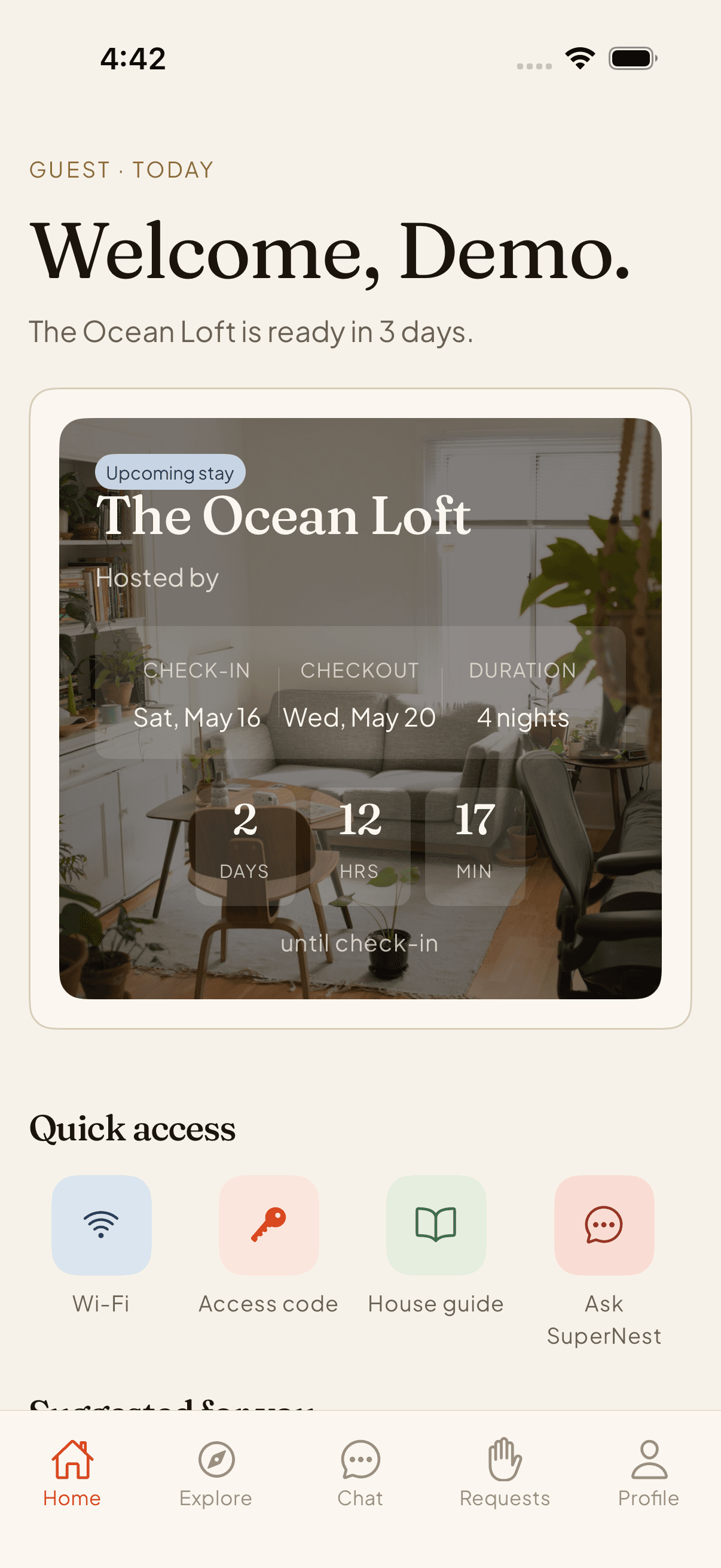
Templates adapt to each guest and stay from approved fields. Guest name, Wi-Fi details, check-in time, and local tips are injected when those modules are configured.
  • {guest_name}, {wifi_details}, {checkout_time}, and configured variables
  • Weather module can inject current conditions
  • Local tip module can add contextual notes
  • Custom variables for property-specific details
9:41
Your stay

The Ocean Loft.

Today · 3 PM

Smart lock unlocks when you're nearby.

In

Fri

Out

Mon

Nights

3

AI conciergelive
House guideopen

Concierge

“What time should we leave?”

Full control, visible safeguards

Every automated message is logged. Pause, skip, or manually send per stay. Duplicate suppression prevents conflicting messages when multiple flows are active.

  • Automation audit log: every send, skip, and override tracked
  • Per-stay override: pause, skip, or send manually
  • Duplicate suppression prevents parallel flow conflicts
  • Brand voice customization by property and stay type
Audit log · per-stay overrides
Routing automation

Automation now includes role and stay-state decisions.

Mobile app01

Host

Dashboard, inbox, properties, tasks, review protection, team settings

Mobile app02

Guest

Stay hub, arrival guide, chat, requests, local discovery, checkout

Mobile app03

Cleaner

Schedule, assigned tasks, checklist detail, photo proof, escalation

Ops console04

Operator

Admin console, trust queues, analytics, bulk actions, AI controls

9:41
Your stay

The Ocean Loft.

Today · 3 PM

Smart lock unlocks when you're nearby.

In

Fri

Out

Mon

Nights

3

AI conciergelive
House guideopen

Concierge

“What time should we leave?”

  1. 01Step

    Host sends invite

    Booking context, stay details, and attribution travel with the guest before the app opens.

  2. 02Step

    Guest opens app or scans QR

    Deep links open the app first, then preserve the invite through store and waitlist fallbacks.

  3. 03Step

    AI answers common questions

    The concierge answers from property facts, guide content, weather context, and approved responses.

  4. 04Step

    Requests route to the right team

    Guest needs become host tasks, cleaner assignments, or ops incidents with clear ownership.

  5. 05Step

    Cleaner completes proof

    Checklists, captions, thumbnails, retries, and local drafts keep field work accountable.

  6. 06Step

    Ops tracks the stay

    Operators see status, trust signals, analytics, tasks, hosts, guests, recommendations, and AI behavior.

FAQ

Automation FAQ

Common questions about SuperNest automation.

Reservations

Run every stay beautifully.

Join the waitlist for early access — guests, hosts, cleaners, and ops, finally in shared context.

Free to start · No credit card · Unsubscribe any time